For U.S. Residential Service Contractors

Home Service Software for Teams That Need More Than a Calendar

Field Ascend is home service software for HVAC, plumbing, electrical, appliance repair, pest control, landscaping, cleaning, roofing, pool service, handyman and residential service contractors.

Use one connected platform for scheduling, dispatch, work orders, mobile technicians, quotes, invoices, customer communication, recurring maintenance, equipment history and reporting without jumping into enterprise pricing.

Built for HVAC, plumbing, electrical, appliance repair, pest control, cleaning, landscaping, roofing, pool service, handyman and other residential service teams.

Scheduling Plan jobs and routes
Mobile App Technician updates from the field
Billing Flow Quotes, invoices and reporting

At a glance

Field Ascend is home service software and field service management software for U.S. home service contractors, including HVAC, plumbing, electrical, appliance repair, pest control, landscaping, cleaning, roofing, pool service and handyman businesses.

It helps teams manage scheduling, dispatch, work orders, mobile technicians, quotes, invoices, customer updates, GPS tracking, asset history, recurring maintenance and reporting from one connected platform.

Best fit

Growing home service companies with office staff, field technicians and repeat customer work.

Not ideal for

Businesses that only need a very basic appointment calendar or simple payment app.

Built for home service trades

Home services software has to fit the pace of residential calls while still supporting the operational control a growing contractor needs. Field Ascend is flexible enough for reactive jobs, repeat visits, maintenance plans and field documentation across common home service trades.

HVAC

Schedule installations, repairs, seasonal tune-ups, refrigerant work and recurring service visits.

Plumbing

Manage emergency leaks, repairs, installs, follow-up quotes and technician updates.

Electrical

Track work orders, inspections, photos, forms, customer signoff and billing handoff.

Appliance Repair

Keep appliance details, visit notes, parts usage and customer history together.

Pest Control

Run recurring treatments, follow-up visits, technician notes and customer communication.

Landscaping

Handle routes, seasonal work, maintenance contracts and multi-person service teams.

Cleaning

Schedule recurring residential or commercial cleaning with clear work instructions.

Roofing

Manage leak calls, inspections, photos, quotes and scheduled maintenance work.

Pool Service

Track weekly service, seasonal openings, equipment repairs and route-based work.

Handyman Services

Organize mixed job types, customer notes, photos, materials and invoice-ready records.

What you can manage in Field Ascend

The strongest home service management software should not solve one narrow problem. It should help your team move from booking to dispatch, field completion, customer updates and billing without rebuilding the same job record over and over.

Keep scheduling and dispatch visible

Dispatchers need a clear view of what is booked, which technician is assigned, and what work still needs attention. Field Ascend keeps job scheduling, dispatch, work orders and customer context in one place so the office can make decisions without chasing updates.

For home service teams, that means fewer missed details between the first call, the scheduled visit, the technician update and the final invoice.
Field Ascend home service software dispatch and job scheduling screen for residential service contractors
Planning

Scheduling and dispatch

Book jobs, assign technicians and keep the daily service schedule visible for the office.

Jobs

Work orders

Create, track and complete work orders with job notes, statuses, photos and history.

Field

Mobile technician app

Give technicians job details, forms, notes, photos, signatures and updates on mobile.

Sales

Quotes and estimates

Prepare customer quotes and move accepted work into the operational workflow.

Cash flow

Invoicing

Turn completed work into clearer billing records with less end-of-week admin cleanup.

Customers

Customer communication

Keep customer details, site history and job context close to the live service record.

Visibility

GPS tracking

Support dispatch decisions with technician visibility and location-aware planning.

History

Asset and equipment history

Track equipment records, service notes and previous work for repeat customers.

Recurring work

Preventive maintenance

Schedule planned maintenance visits and keep recurring service work under control.

Management

Reporting and dashboards

See jobs, statuses, workload and business activity without chasing spreadsheets.
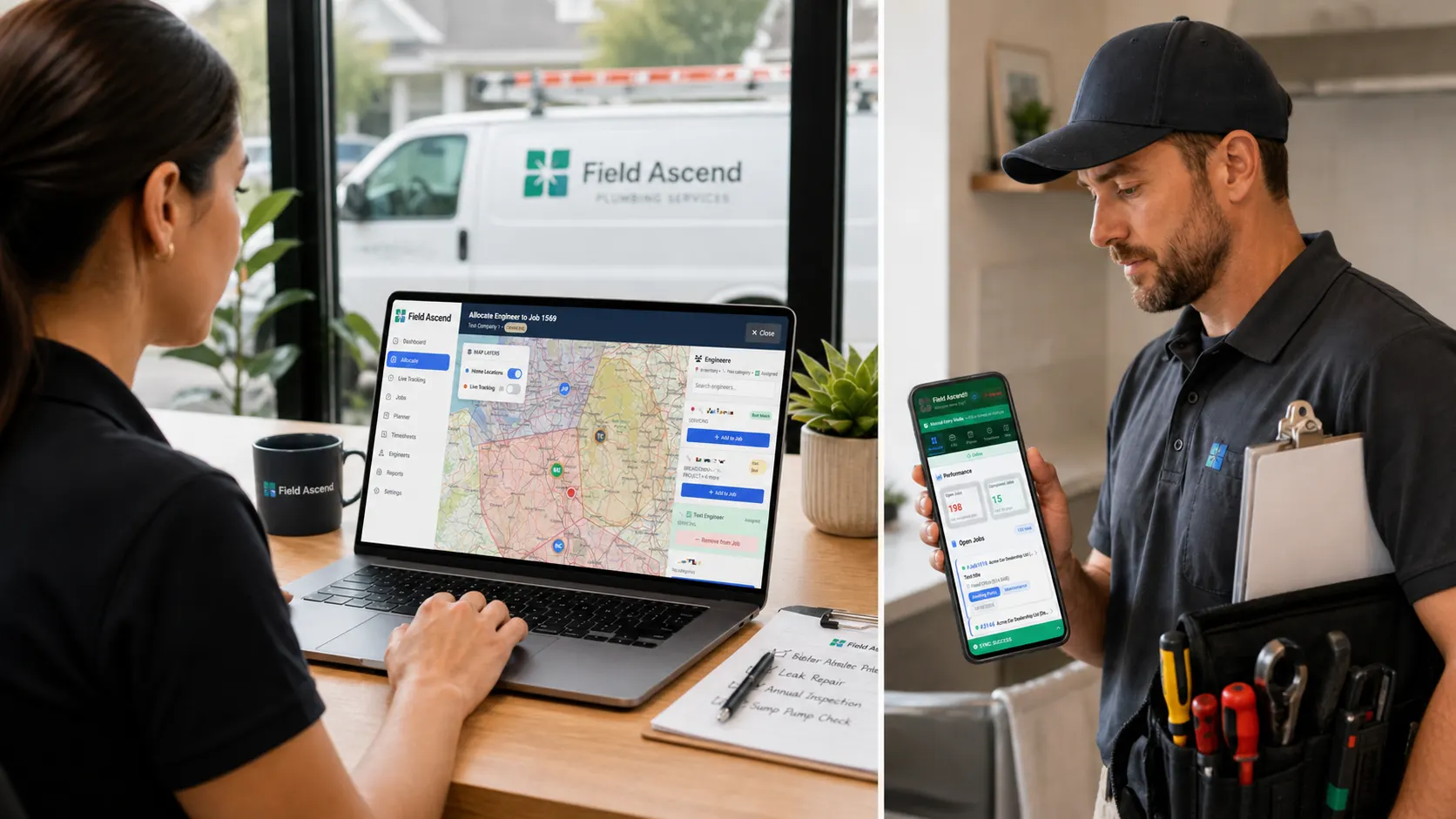
Built for growing home service companies, not just appointment booking

Many home service apps focus on simple appointment booking, reminders and light job admin. That can work early on, but growing contractors often need deeper field service management workflows for repeat work, technician visibility, field evidence and operational reporting.

Give technicians the job record in their hand

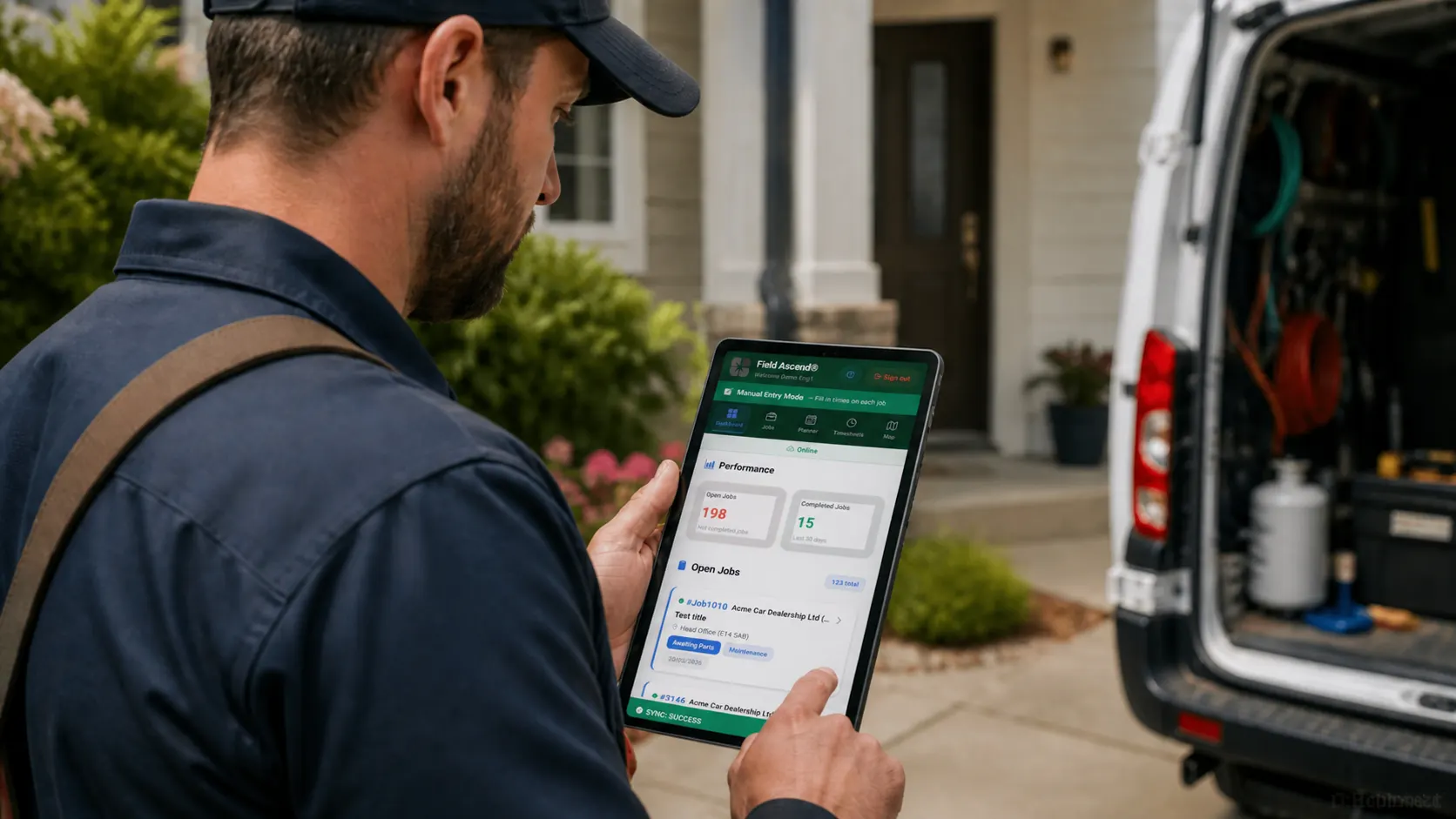
The mobile technician app helps field teams view job details, update work orders, add notes, capture photos, collect signatures and keep the office informed from the field.

That mobile workflow is what turns a scheduled appointment into a complete business record with work history, field evidence and invoice-ready detail.

Field Ascend mobile technician app for home service work orders, photos, signatures and field updates

Basic appointment tools solve the calendar problem

They can be useful when the main requirement is booking simple visits and keeping a lightweight schedule. The challenge starts when the business needs work order history, mobile forms, photos, signatures, recurring maintenance or equipment records.

Field Ascend adds operational depth

Field Ascend supports work order history, field evidence, mobile technician updates, asset and equipment records, recurring maintenance, technician visibility, reporting dashboards and light commercial job support. It is field service software for home service companies that want room to grow.

Who Field Ascend is best for

Field Ascend fits home service companies that have moved beyond a one-person calendar and need the office, field technicians and customer records working from the same system.

Office staff and mobile technicians

For businesses where dispatchers, managers and technicians need shared job visibility instead of scattered calls and notes.

Moving away from spreadsheets

For contractors replacing paper job sheets, shared calendars, spreadsheets or disconnected apps with one operating workflow.

Repeat customers and service agreements

For teams managing recurring maintenance, service agreements, planned visits and follow-up work.

Field evidence and job history

For businesses that need photos, signatures, notes, work order history and service records tied to each job.

Residential plus light commercial work

For residential contractors that also handle commercial calls, maintenance work or equipment-heavy service jobs.

Honest fit: Field Ascend may be more than you need if you only want a very basic calendar or payment app.

Home service business software for owner-operators and growing teams

For an owner-operator, good home service business software reduces the mental load: the schedule is clearer, job notes are stored properly, invoices do not depend on memory, and customers are easier to follow up with.

For a growing team, the benefit is control. Office staff can see what is booked, technicians know what to do next, managers can review open work, and completed jobs can move toward quoting or invoicing without someone rebuilding the story from texts and paper notes.

Field Ascend is built for that middle ground: more capable than a basic home service app, more affordable and practical than an enterprise field service platform, and broad enough to support residential service contractors that are adding technicians, maintenance plans or commercial accounts.

Explore related Field Ascend pages

These existing U.S. pages go deeper into the workflows home service companies usually compare when choosing field service software.

Frequently asked questions about home service software

What is home service software?

Home service software helps residential service companies schedule jobs, dispatch technicians, manage work orders, send quotes, invoice customers, communicate with customers, track field activity and report on performance.

Who uses home service software?

It is used by HVAC, plumbing, electrical, appliance repair, garage door, pest control, cleaning, landscaping, roofing, pool service, handyman and other residential service contractors.

Is Field Ascend suitable for HVAC and plumbing companies?

Yes. Field Ascend supports HVAC and plumbing companies with scheduling, dispatch, technician mobile workflows, work orders, quotes, invoices, equipment history, preventive maintenance and reporting.

Can technicians use Field Ascend on mobile?

Yes. Technicians can use the mobile app to view job details, update work orders, add notes, capture photos, collect signatures, log time and keep working when connectivity is poor.

Does Field Ascend support recurring maintenance jobs?

Yes. Field Ascend supports recurring preventive maintenance work, service contracts, asset and equipment history, reminders and planned job workflows alongside reactive service calls.

Can Field Ascend handle quotes and invoices?

Yes. Field Ascend helps home service teams create quotes and estimates, convert accepted work into jobs, and move completed work toward invoicing without rebuilding the job record manually.

Is Field Ascend suitable for small home service businesses?

Yes. Field Ascend is suitable for owner-operators and growing home service teams that need more control than spreadsheets or a basic calendar, but do not want expensive enterprise field service software.

Run your home service business from one connected platform

Bring scheduling, dispatch, work orders, mobile technicians, quotes, invoices, maintenance history and reporting into one practical field service system.